Web
Digital Product
Year
Launched 2024 · Ongoing iteration
Team
Creative direction: Chin-Lien Chen
UX direction: Anna Offermans
UX design: Ruben van Bambost
Scope
Collection exploration
Search & filtering
Studio tools
Product launch & iteration
Role
Led visual and interface system design for collection exploration and studio tools
Translated relational collection data into navigable interaction patterns
Conducted design QA with engineering to ensure visual and interaction consistency across the platform
Designed modular components supporting search, browsing, and artwork inspection
Contributed to user testing and incorporated insights into interaction refinements
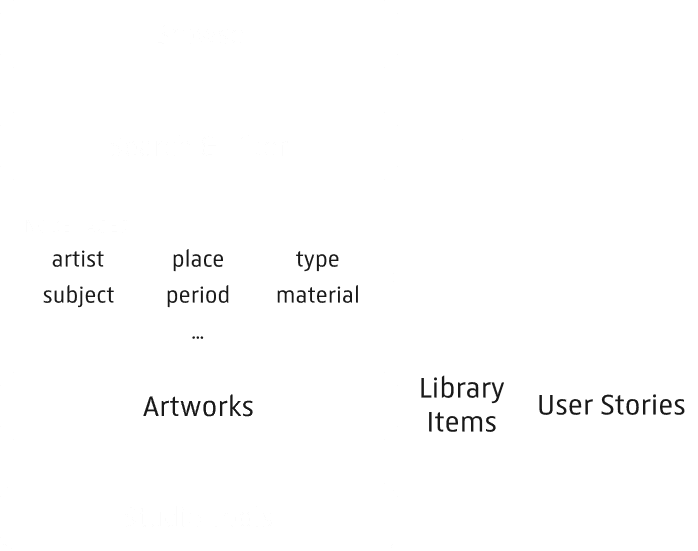
Designing the interaction architecture for Collection Online, the Rijksmuseum’s digital collection platform spanning 800k artworks · 350k library items · 200k user stories, transforming a vast cultural archive into a navigable relational system for exploration, research, and creative storytelling.
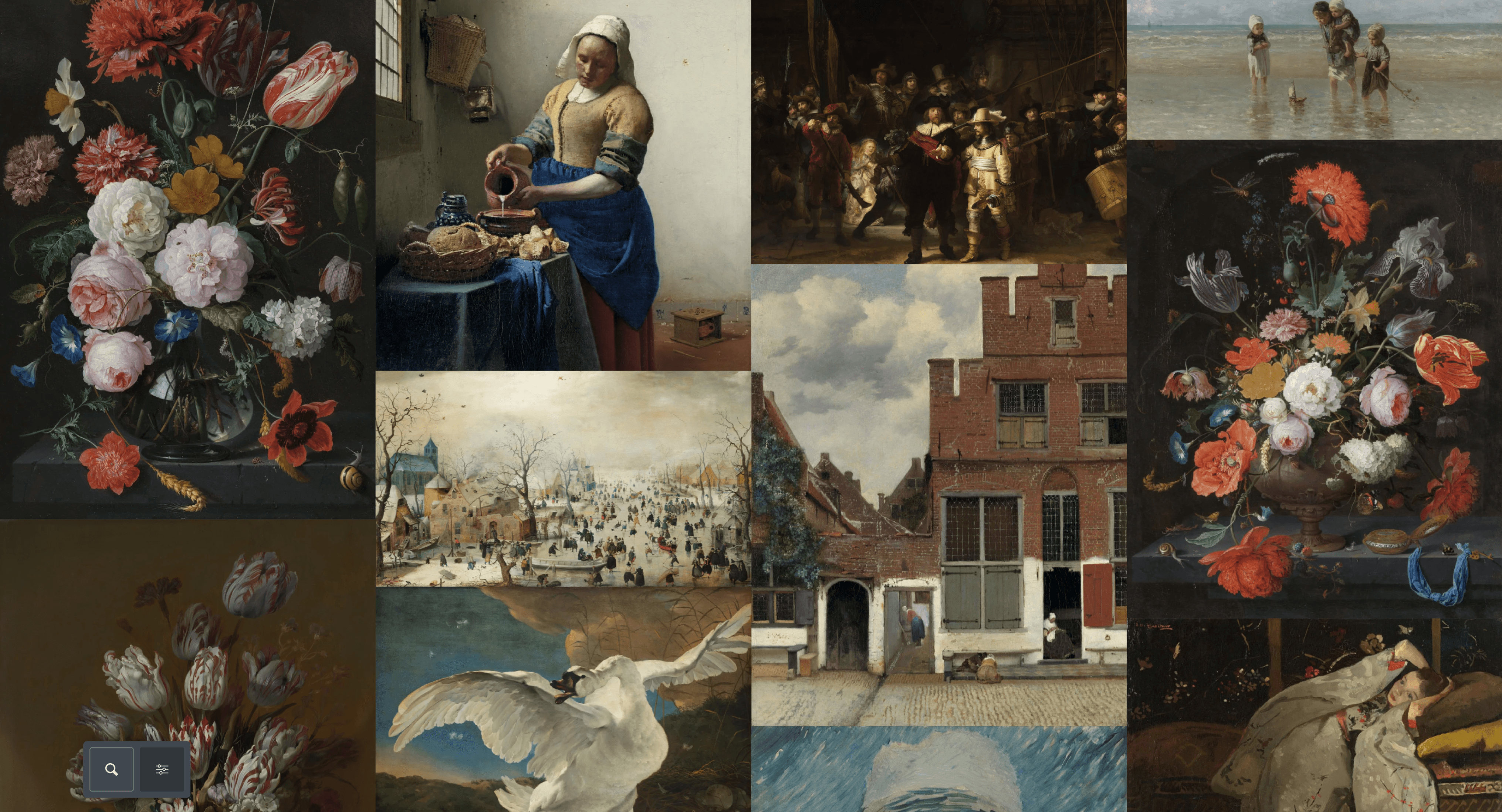
Originally launched in 2012, Rijksstudio provided access to over 800k high-resolution artworks and 200k user stories.
In 2024, Collection Online evolved from a searchable archive into a relational knowledge system by surfacing its underlying Linked Open Data. This introduced a new design challenge: translating the museum’s complex collection structure into an interface that supports both intuitive exploration and deeper research.
Collection Navigation Model
Browse and search is the main entry points to discover artworks, library items, and user stories across the collection. For artworks, node pages expose the relational structure of the collection by linking artworks through shared entities such as artists, places, periods, and subjects. Studio tools enable visitors to interact with artworks once discovered.
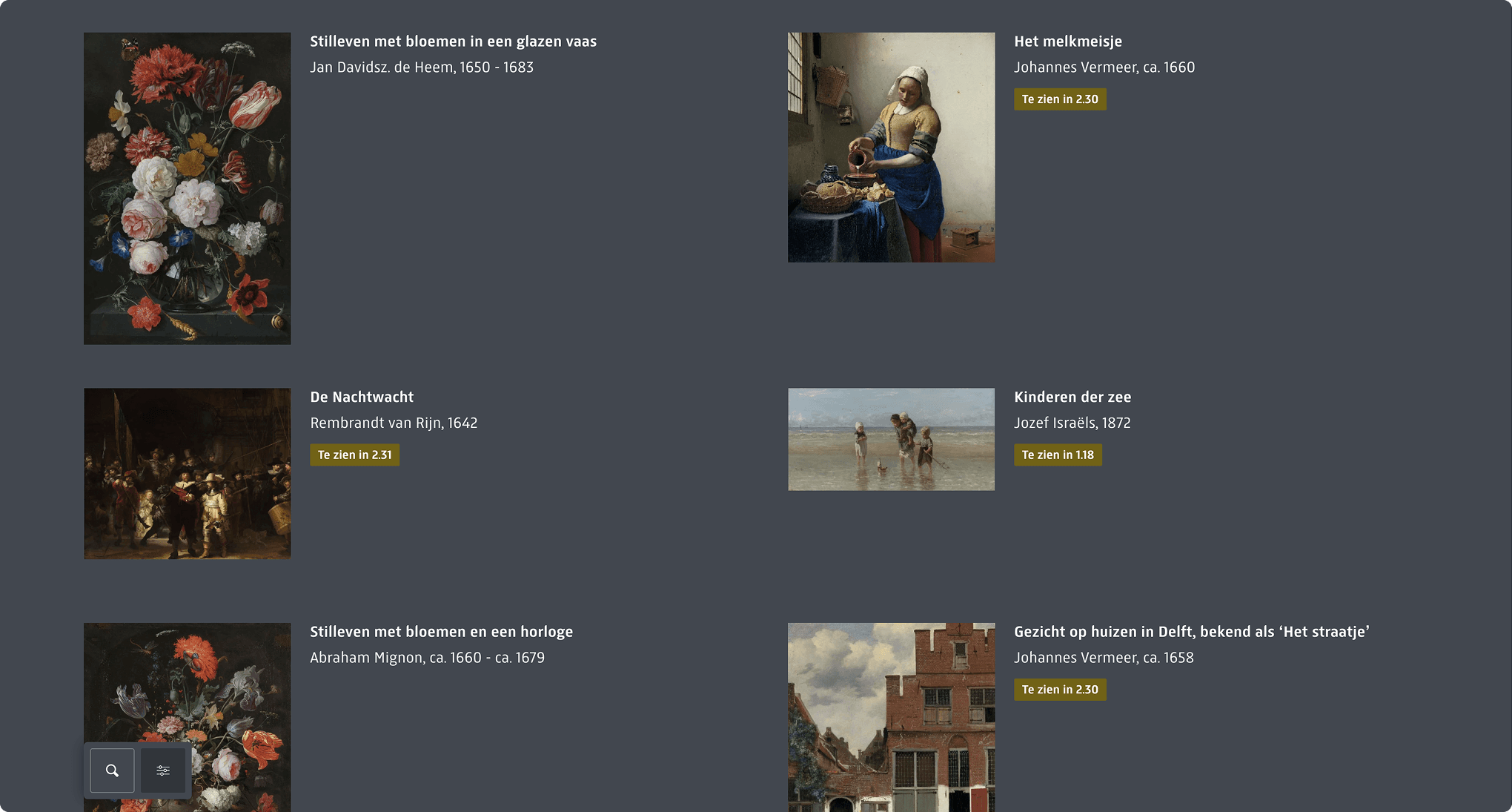
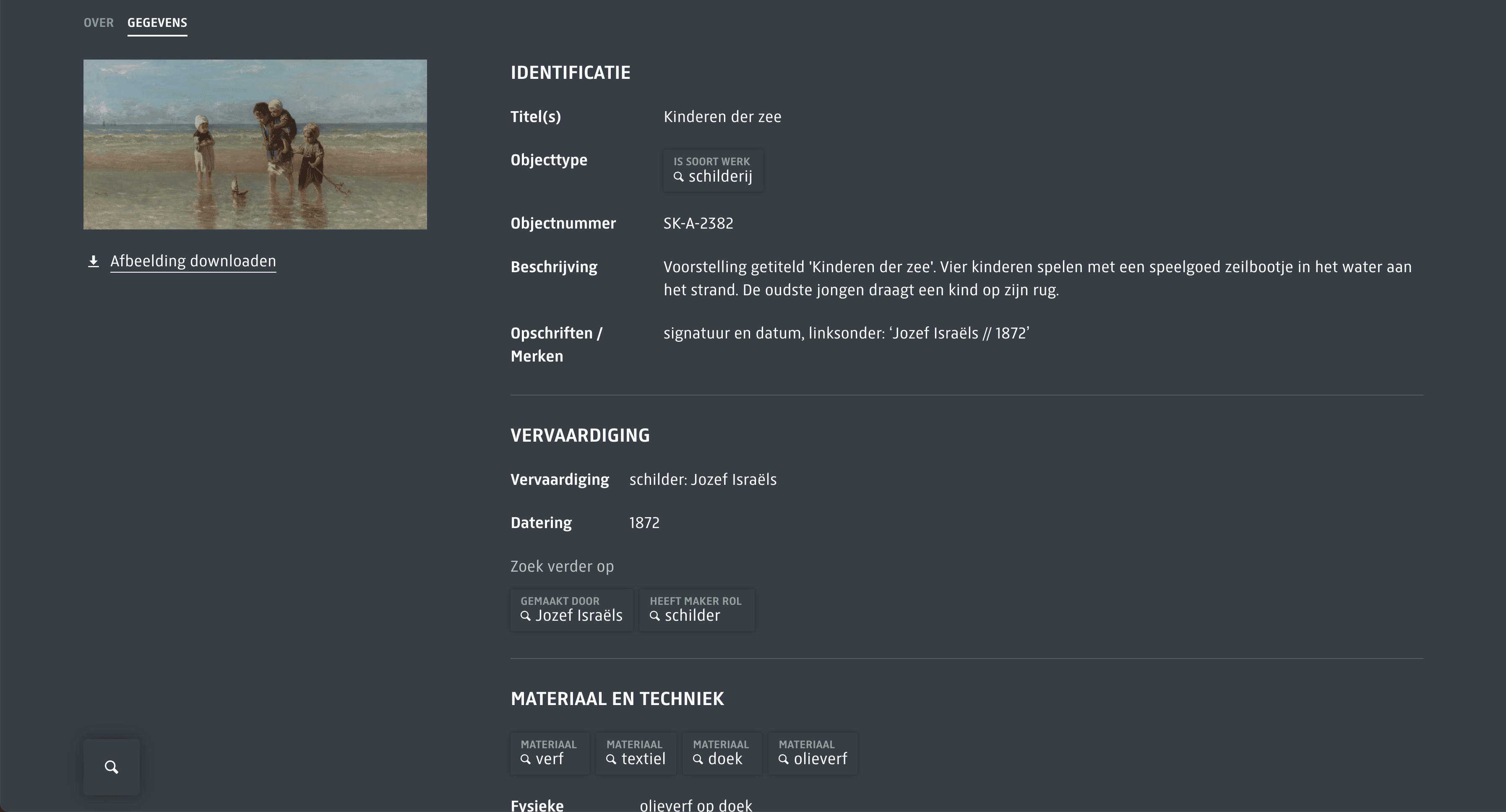
Designing for exploration and inspection within one system
Surfacing relationships without overwhelming users
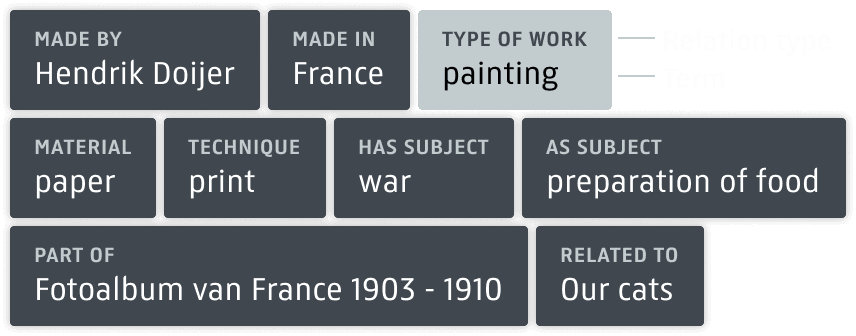

Search and filtering through various relation types
Node Pages — From Navigating Artworks to Navigating Connections
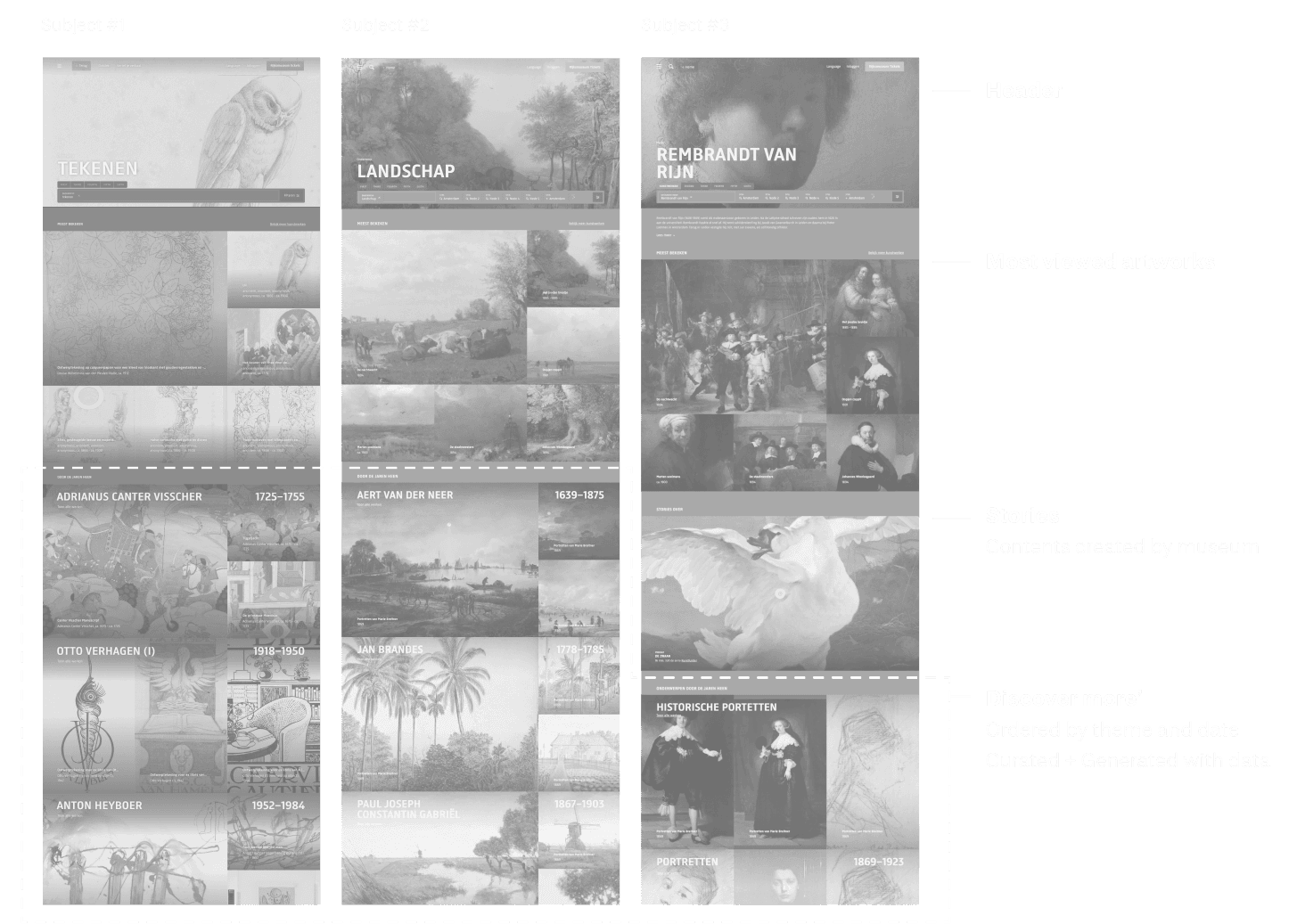
To support relational exploration, key metadata relationships were elevated into independent 'node' pages.
Transformed metadata into thematic entry points
Designed a scalable template adaptable across different node types
'Discover more': Balanced automated data generation with curatorial prioritization
Supporting Multiple Modes of Engagement
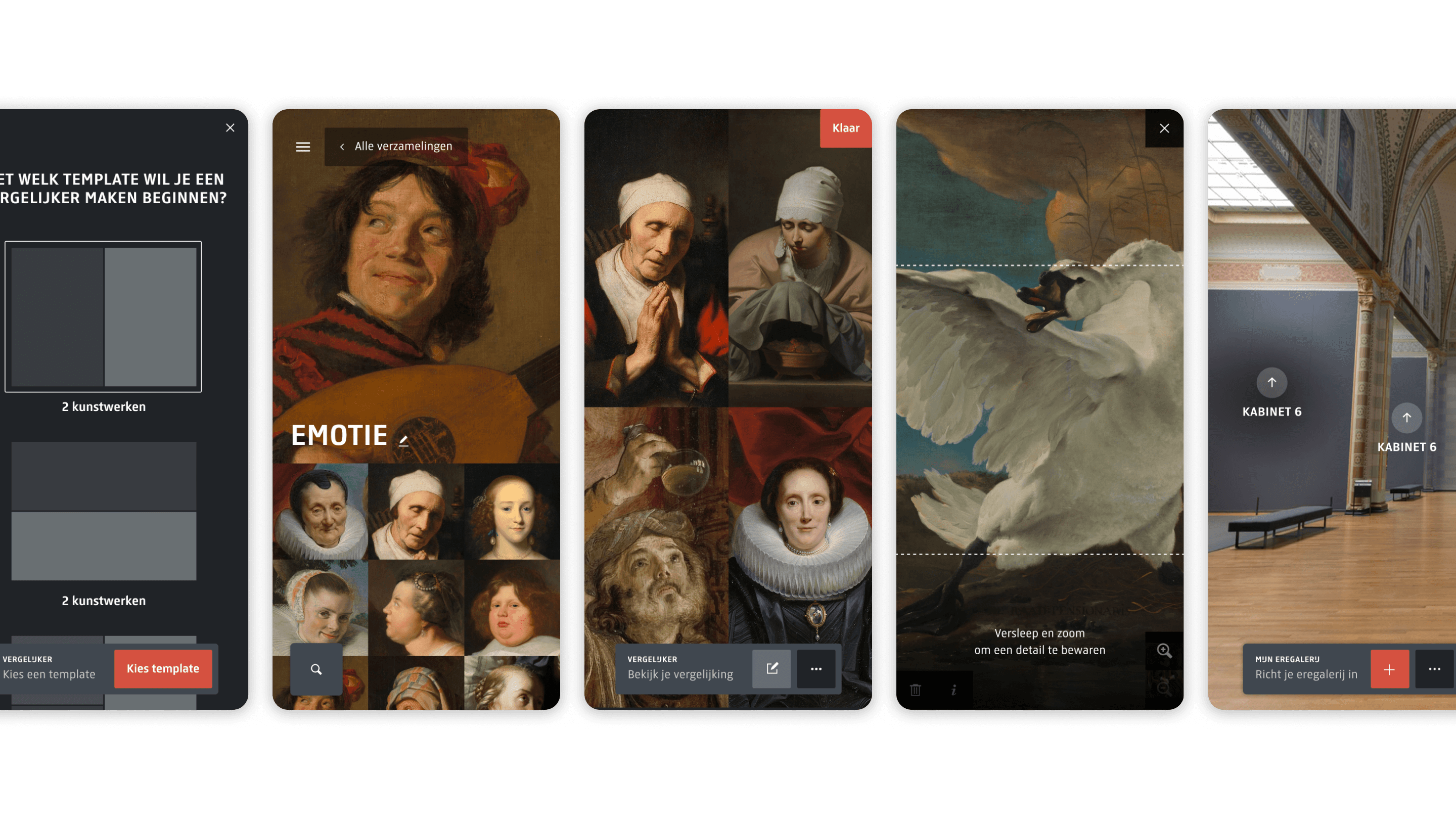
Alongside the redesigned interface, Collection Online introduced a set of tools that enable visitors to interact with the collection in different ways — from collecting and comparing artworks to creating and discovering new connections.
These tools share a common interaction logic and visual language to maintain coherence across the Studio ecosystem.
Collecting
Set: Save and organize artworks into personal collections.
Comparing
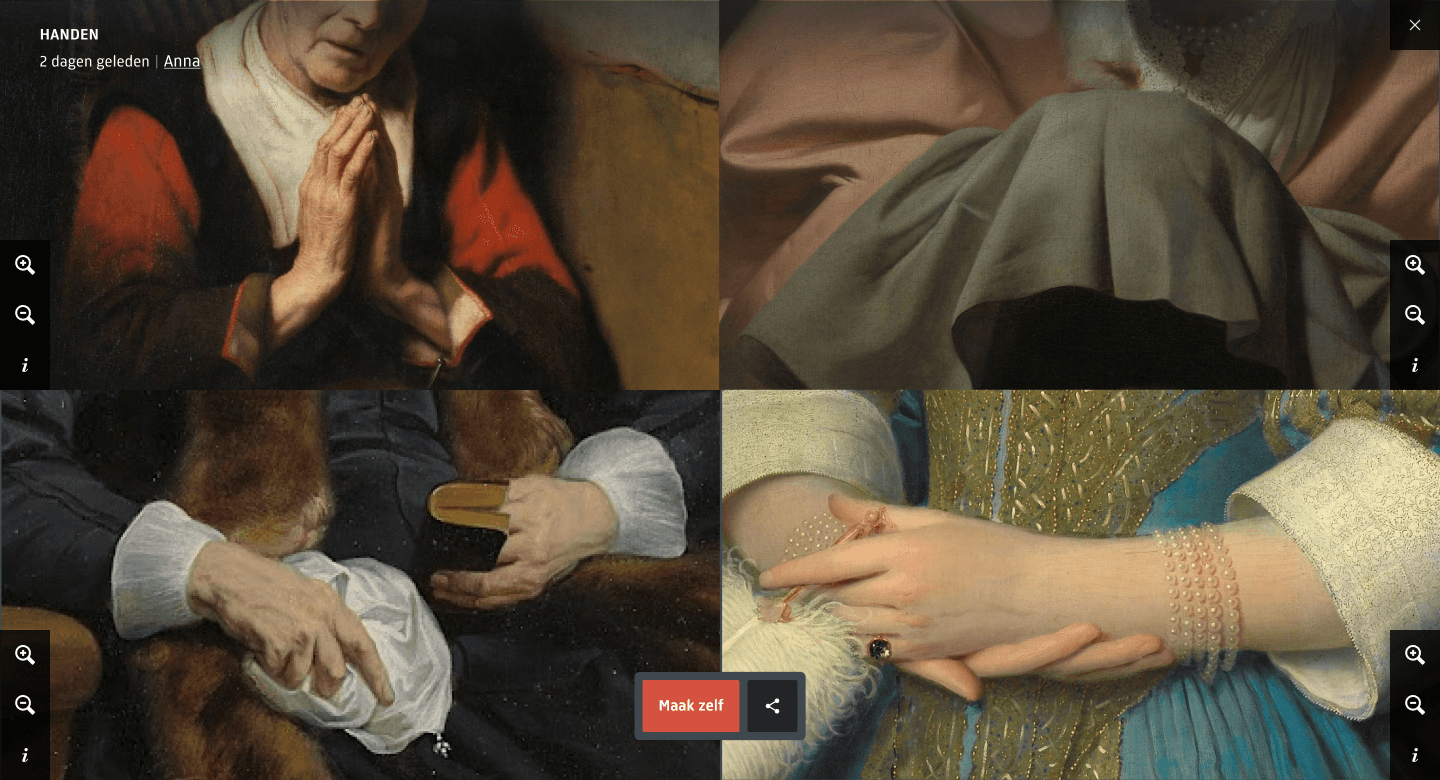
Comparer: Examine artworks side by side to study details and differences.
Creating
Clip: Turn artworks into short video clips.
Gallery of Honour: Curate and display your own virtual exhibition.
Guided discovery
Art Explorer: AI-assisted exploration that surfaces artworks based on user interests.